Ages 8 to 10
“She melts down every single time I say screens are done.”
Kids this age aren't being defiant. They don't yet have the skill to stop on their own. Screen Smart for Kids builds that skill from scratch.
Screen Smart for KidsBecause the goal isn't just screen limits
Workbooks that give kids ages 8 to 14 their own reasons to want screen balance.
Start here
Three starting points, sorted by what is happening in your house right now.
Ages 8 to 10
“She melts down every single time I say screens are done.”
Kids this age aren't being defiant. They don't yet have the skill to stop on their own. Screen Smart for Kids builds that skill from scratch.
Screen Smart for KidsAges 11 to 14
“He argues with every limit I set, and honestly some of his arguments are good.”
Tweens are craving independence, and screens are where they go looking for it. Own Your Screen Time asks them to study their own habits and set their own rules.
Own Your Screen TimeBefore and just after the first phone
“Everyone in his class has one. I don't know if we're ready.”
The best time to build phone habits is before the first phone exists, and the next best time is the first few weeks they have one. Your First Phone covers group chats, notifications, privacy, and what to do when something goes wrong.
Your First PhoneThe Balance by Choice method
The same five steps run through every workbook, and through the parent guide, whatever your kid's age.
Kids can't manage a habit they can't see. Everything starts with them tracking their own patterns instead of you reporting them.
Not "screens are bad." What actually happens to your body, your sleep, and your mood, in a language your kid can connect with.
The kid writes the limits. Yes, really. Kids have much more buy-in when they have a hand in creating the rules.
Small, low-stakes reps while you're still around to help, not a single dramatic overhaul.
A bad week isn't failure. Kids learn how to come back from one, and how to update their own rules as they get older and life changes.
The catalog
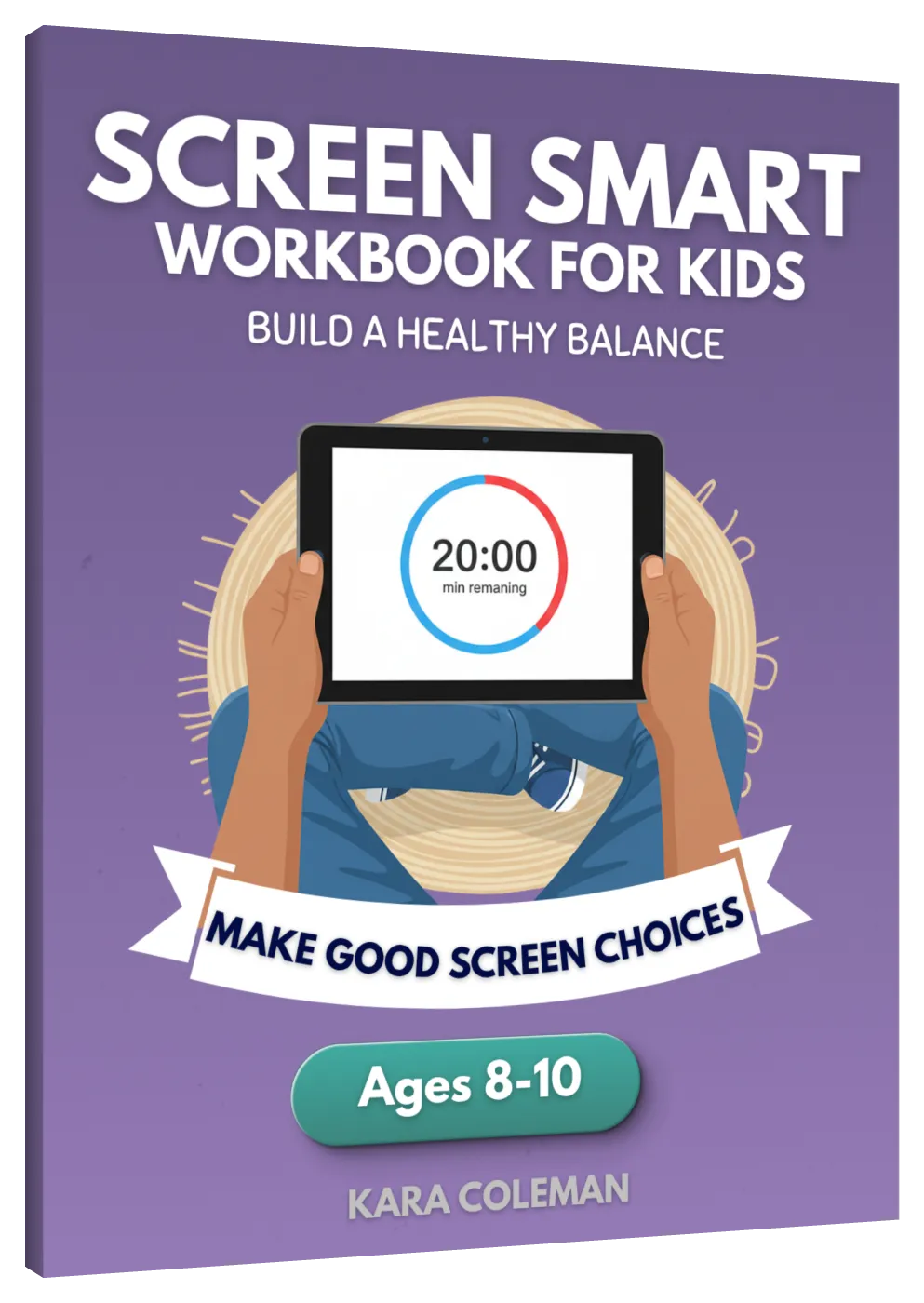
Ages 8 to 10
Builds the stopping skill from scratch, in 40+ short activities.
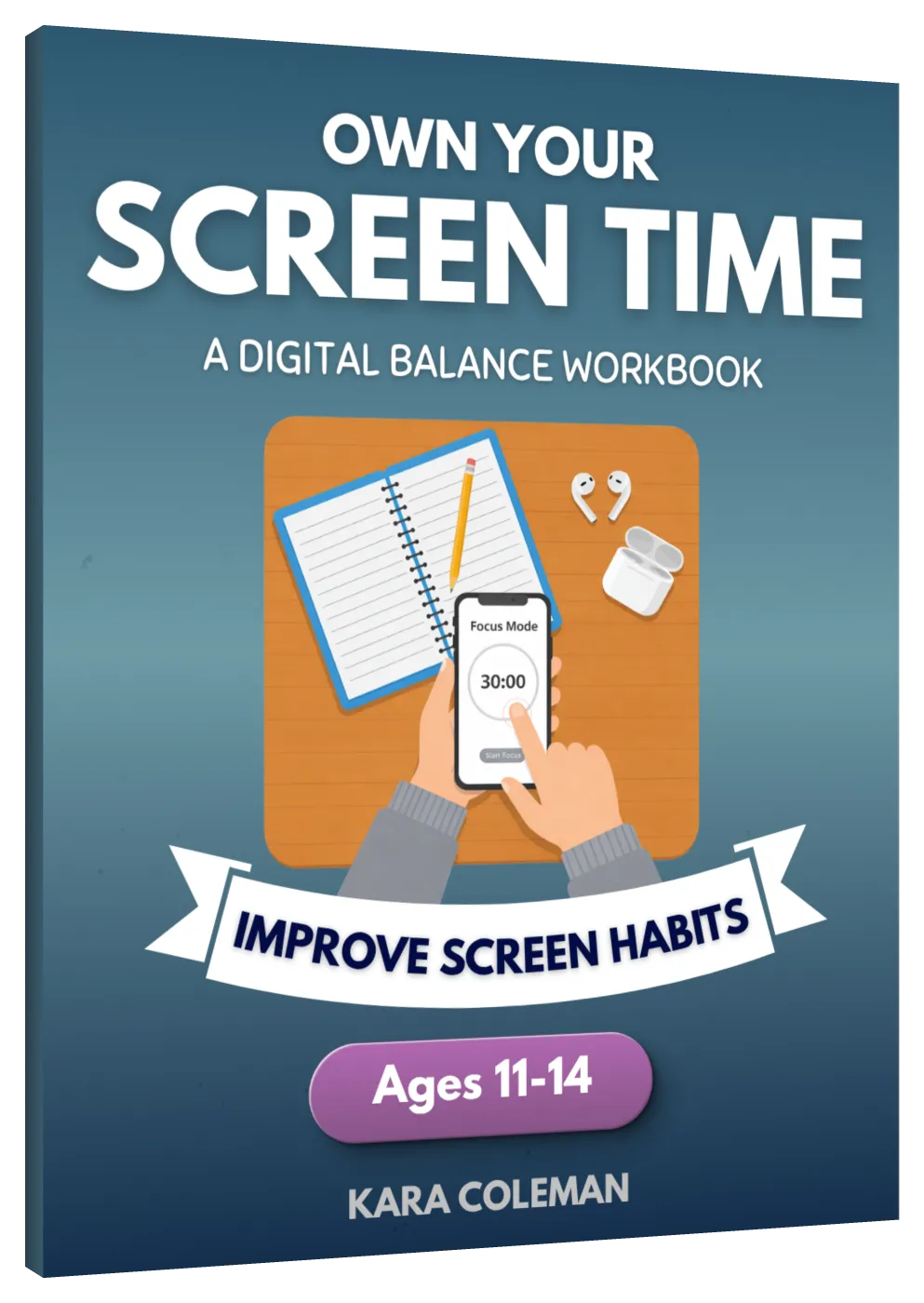
Ages 11 to 14
Shows a tween how apps are built to hook them, then asks them to set their own limits.
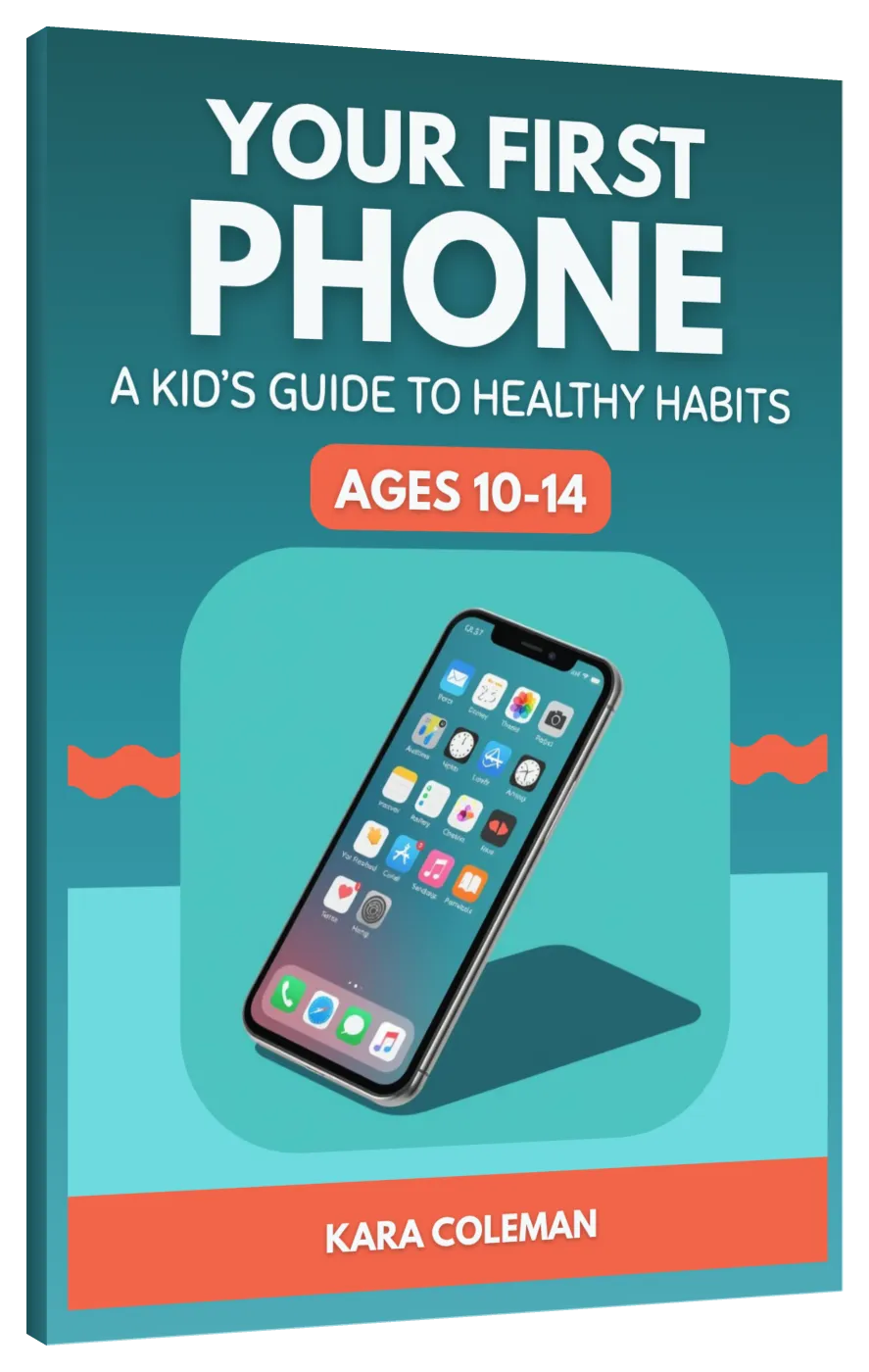
Ages 10 to 14
Group chats, notifications, and privacy — settled before the phone arrives, or just after.
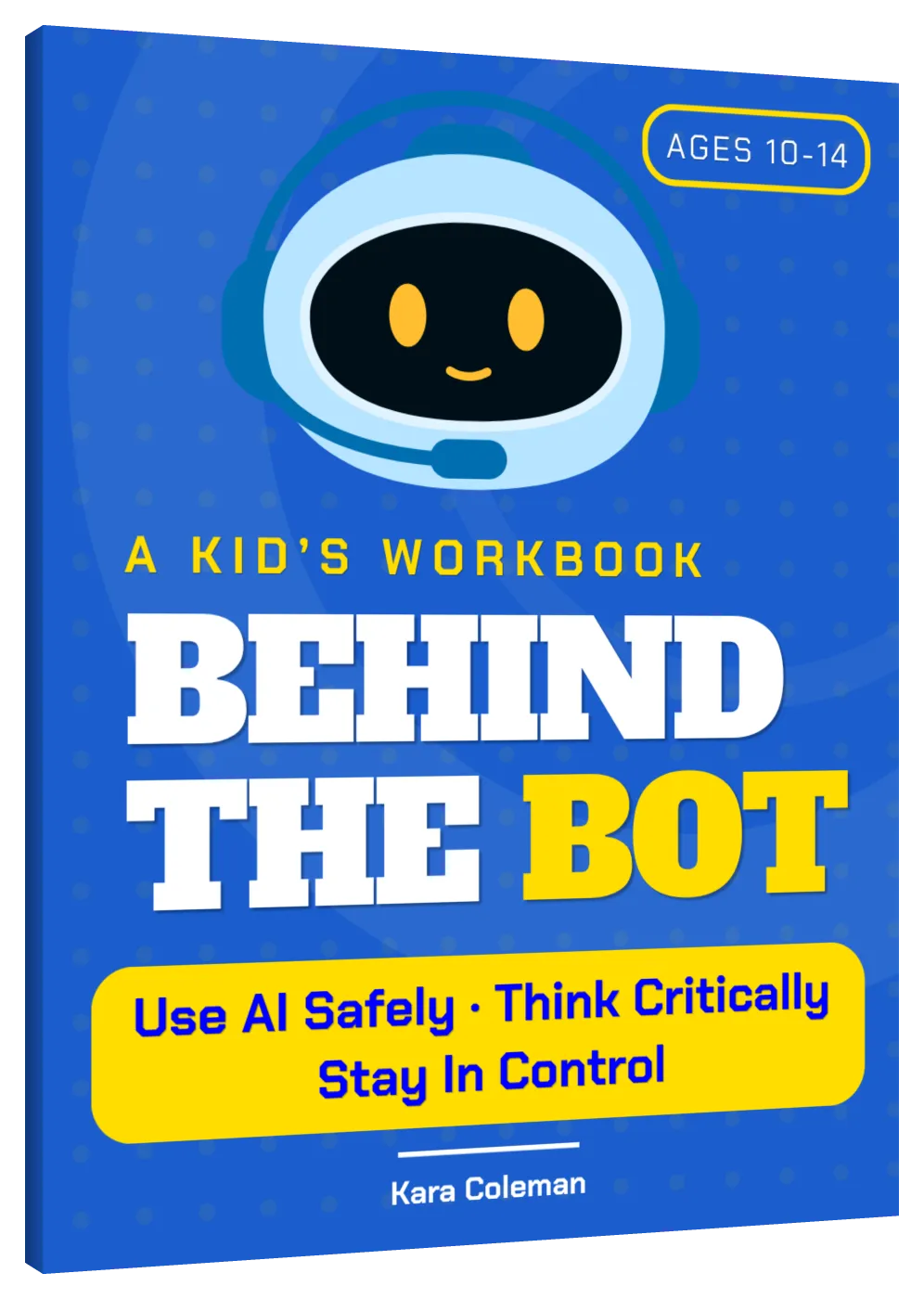
Ages 10 to 14
What AI is actually doing behind the answer, in 34 activities.
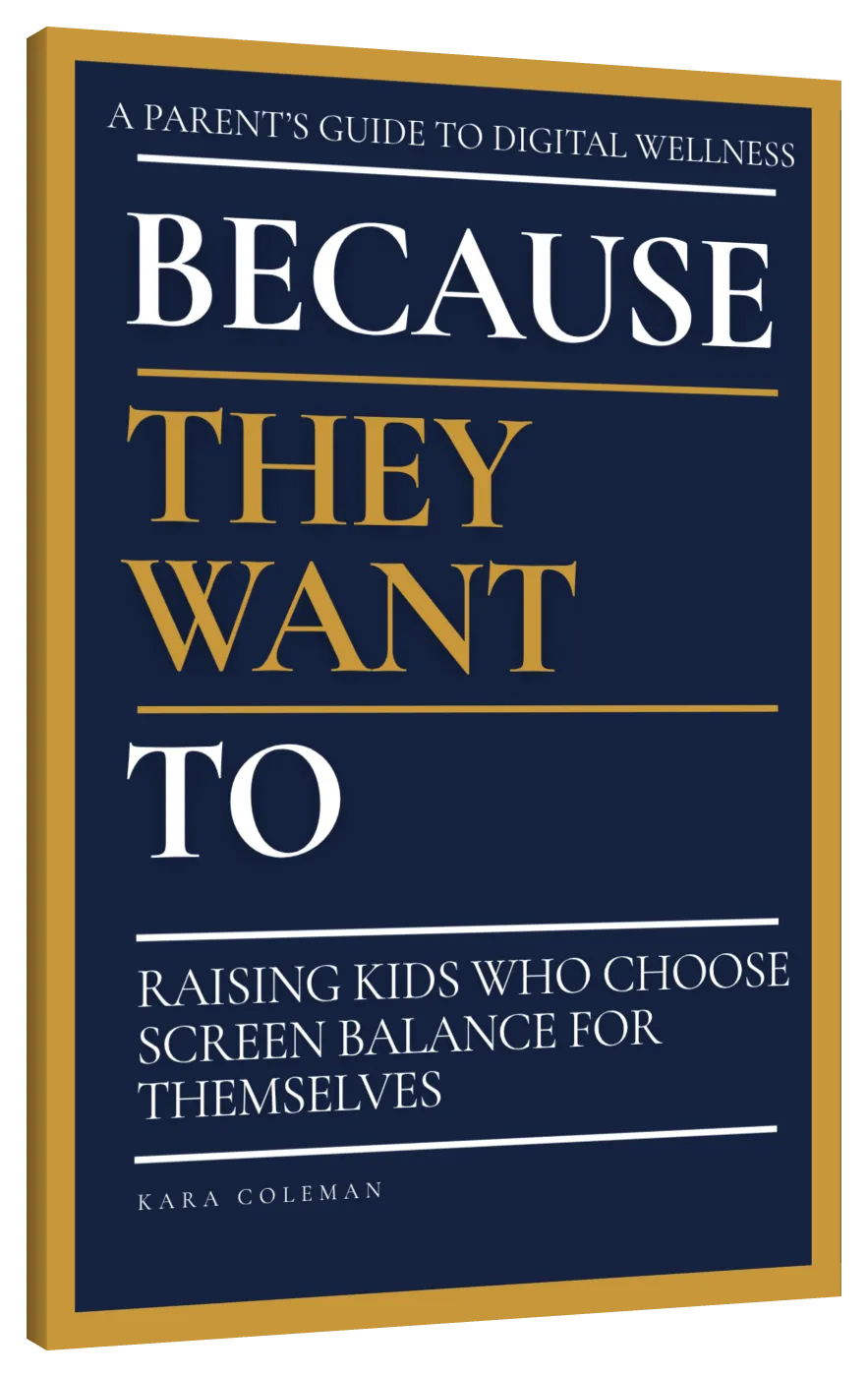
Parent guide
The conversations behind the workbooks, one topic at a time.
Free · about four minutes
Fifteen questions across the five signals that actually predict how a first phone goes.
Questions
No. Nothing here assumes screens are the enemy or that less is automatically better. The goal is a kid who can tell the difference between a good hour and a wasted one.
Fair. They're built in short pieces, mostly checkboxes, drawing, and ranking things rather than paragraphs. Most kids do a few pages at a time. You don't have to finish it for it to work.
Earlier than most parents think. Eight to ten is when kids can start noticing their own patterns, and it's much easier than starting at thirteen with a phone already in hand.
The workbooks include parent-child checkpoints, but the kid drives. That's the whole design. If you want the conversations behind them, the parent guide — Because They Want To — is written for you.